How might we make the physical setup process easier to follow so that farmers and developers can operate the device confidently without prior technical knowledge?
Solution: Redesigned the instructional content for the physical device, simplifying the language and structure around key setup steps like battery operation and device connectivity. Broke down complex technical processes into clear, scannable steps that match how a first-time user actually approaches the hardware.
The updated instructions reduce the learning curve for new users by replacing dense, technical language with straightforward guidance. Whether connecting the device or managing battery life in the field, users can now follow along without needing additional support.
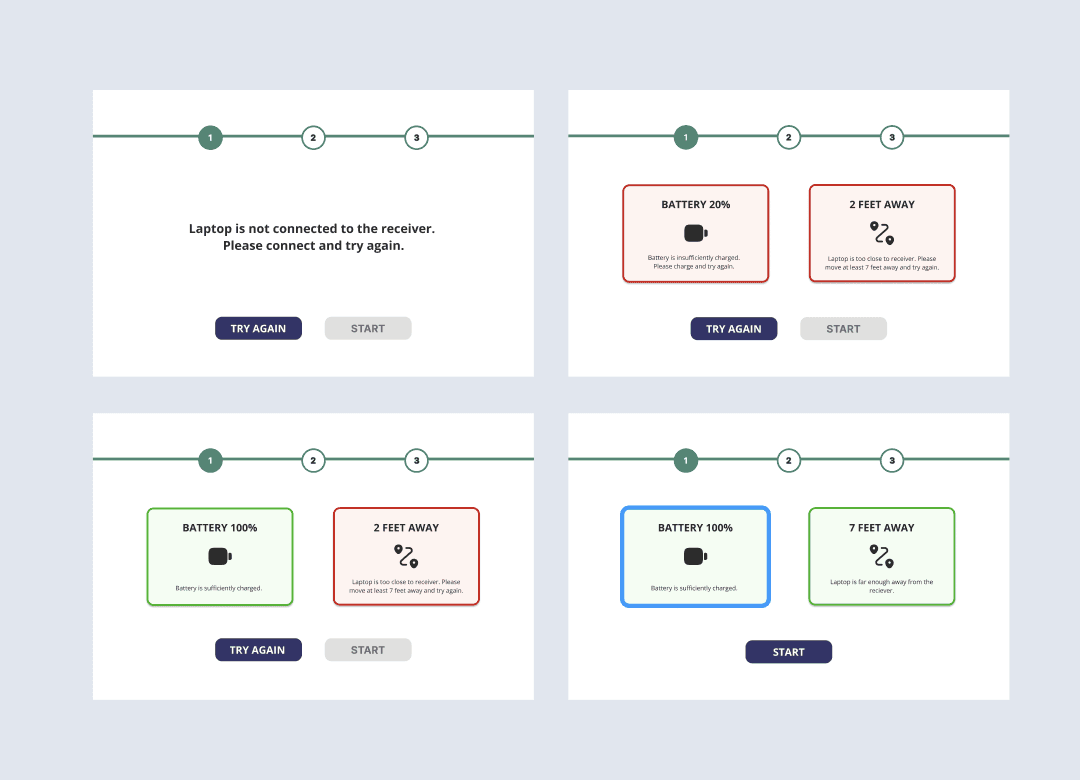
How might we make the physical setup process easier to follow so that farmers and developers can operate the device confidently without prior technical knowledge?
Solution: Redesigned the instructional content for the physical device, simplifying the language and structure around key setup steps like battery operation and device connectivity. Broke down complex technical processes into clear, scannable steps that match how a first-time user actually approaches the hardware.
The updated instructions reduce the learning curve for new users by replacing dense, technical language with straightforward guidance. Whether connecting the device or managing battery life in the field, users can now follow along without needing additional support.
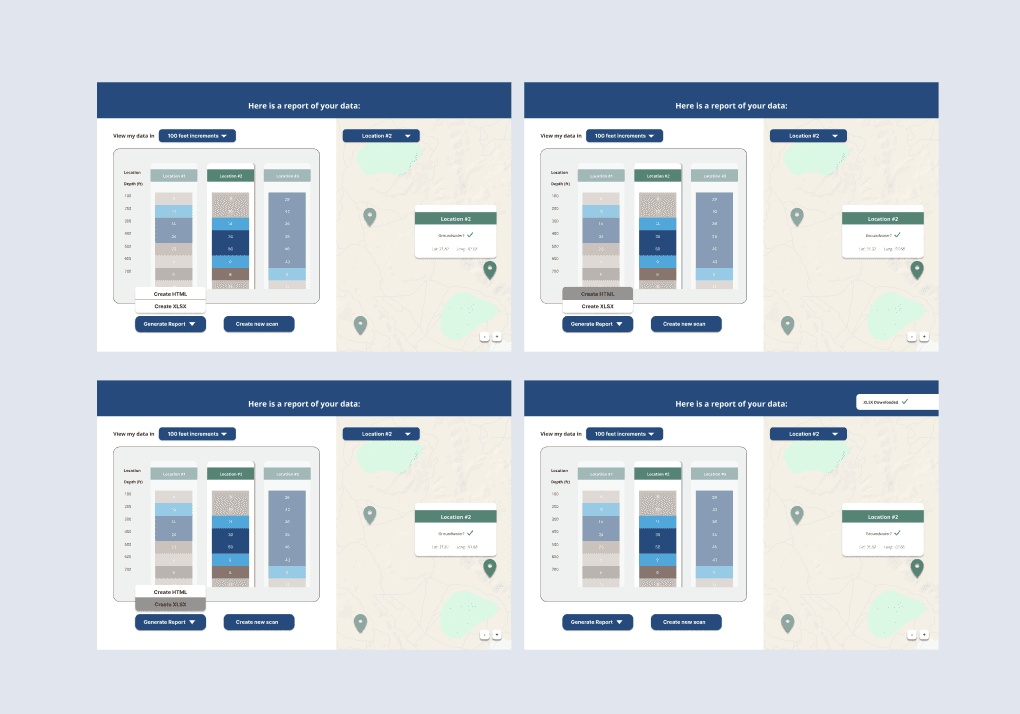
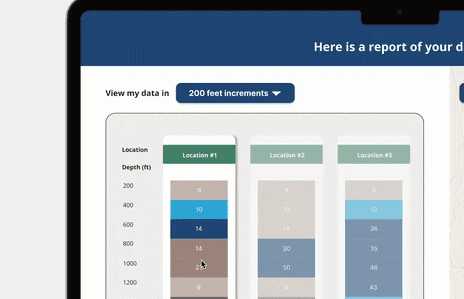
How might we help farmers and real estate developers instantly understand which areas have viable water sources without having to interpret rows of raw data in a spreadsheet?
Solution: Replaced the existing spreadsheet-style results format with an interactive map view using location pins and an intuitive color coding system, similar to familiar tools like Google Maps. Colors communicate water viability at a glance, so users can orient themselves spatially and make faster, more confident decisions about where to drill.
The map visualization transforms raw water data into something immediately actionable. A quick look tells you where the promising areas are, removing the need to cross-reference coordinates and figures across a sheet.